Follow-Up Queue: Make Every Next Step Deliberate
Question: How do I make sure a follow-up is attached to the right person and has a clear owner, without exposing conversation details?
1. Start with the correct record
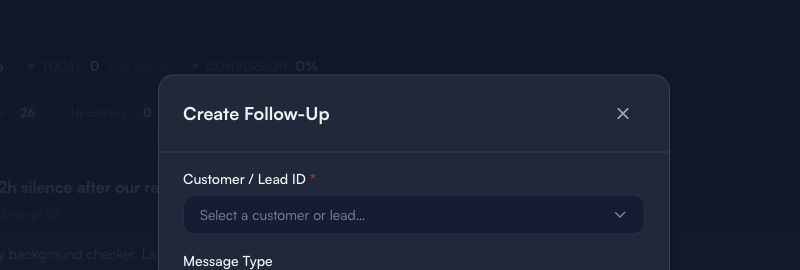
This is an empty form only. It does not show a live customer, lead, conversation, phone number, email, message, schedule, or outcome.
Before creating a follow-up:
- Select the correct Customer / Lead ID only after confirming the record.
- Choose a Message Type that matches the intended next step.
- Keep message content and private context in the appropriate internal record, not in public guidance.
- Use a human owner for any decision that could change a customer commitment.
2. Define a useful next step
A good follow-up answers four things:
- Who owns it?
- What is the reason for the next contact?
- What must be verified before acting?
- When should a person review it?
Use a factual, short reason. Do not copy passwords, access codes, payment details, private address notes, or sensitive personal information into the follow-up.
3. Review before sending or completing
Use this checkpoint:
Correct record → Clear reason → Consent and policy check → Human review → Documented outcome
A queue helps organize work; it does not authorize outreach, prove consent, confirm delivery, or guarantee a response.
Limitations
Follow-Up Queue data is an operational reminder. It does not prove a message was sent or received, that contact was appropriate, that an appointment was confirmed, or that a customer approved any service, price, or schedule.
Next: Work Orders guide · Guides & Tips